Stay Organized With My Free Digital Planner 2026
Every January, I get this little burst of motivation to organize my life, clean up my routines, and finally get myself together.
But by mid-February, the excitement usually fizzles out because I never had a system that actually worked.
I’d start strong with a fresh notebook, a handful of sticky notes, or a random app on my phone… and then everything slowly fell apart because nothing stayed in one place.
It always felt like I was trying to keep up instead of feeling truly organized.
So I ended up creating my 2026 free digital planner, a simple, practical, and honestly fun way to stay on top of my days.
It’s the first thing that hasn’t felt overwhelming or messy.
Instead of juggling half used notebooks, loose papers, or ten different apps, everything I need lives in one clean, pretty space on my tablet.
I can track my goals, plan my week, organize my meals, and even check off tiny daily habits without feeling like I’m all over the place.
In this guide, I’ll walk you through exactly why digital planning is such a game changer, how to set yours up step-by-step, and the easiest ways to make it feel personal and motivating.
I’m sharing the tips that helped me stay consistent, not just in January, but all year long.
By the end, you’ll be ready to plan smarter, feel calmer, and maybe even get a little excited about Mondays again.
Why Go Digital Instead of Paper?
For years, I was such a paper planner girl. I loved flipping through the pages, highlighting every little thing, and using cute stickers for no reason other than it made me happy.
There was something so satisfying about physically writing things down and seeing my week laid out in front of me.
But at the same time, I was carrying around way too many notebooks. I’d have one for goals, one for daily planning, one for meals, and a random stack of sticky notes floating around in every bag I owned.
I kept losing lists, running out of space, and honestly dreading the moment a new year rolled around because it meant starting all over again.
Eventually, I realized I needed something that felt just as cozy and creative, but way more practical.
That’s when I switched to digital planning.
Digital planners still give you that same satisfying feeling of writing everything down, but with so much more flexibility.
You can erase without a mess, move things around when plans change, duplicate pages you love, and keep everything together without carrying half your desk with you.
It feels like the best parts of a paper planner, just… smarter.
They’re eco-friendly, customizable, and so easy to take anywhere, you literally only need your tablet or iPad.
The best part is that everything stays organized because nothing gets lost or shoved in a drawer.
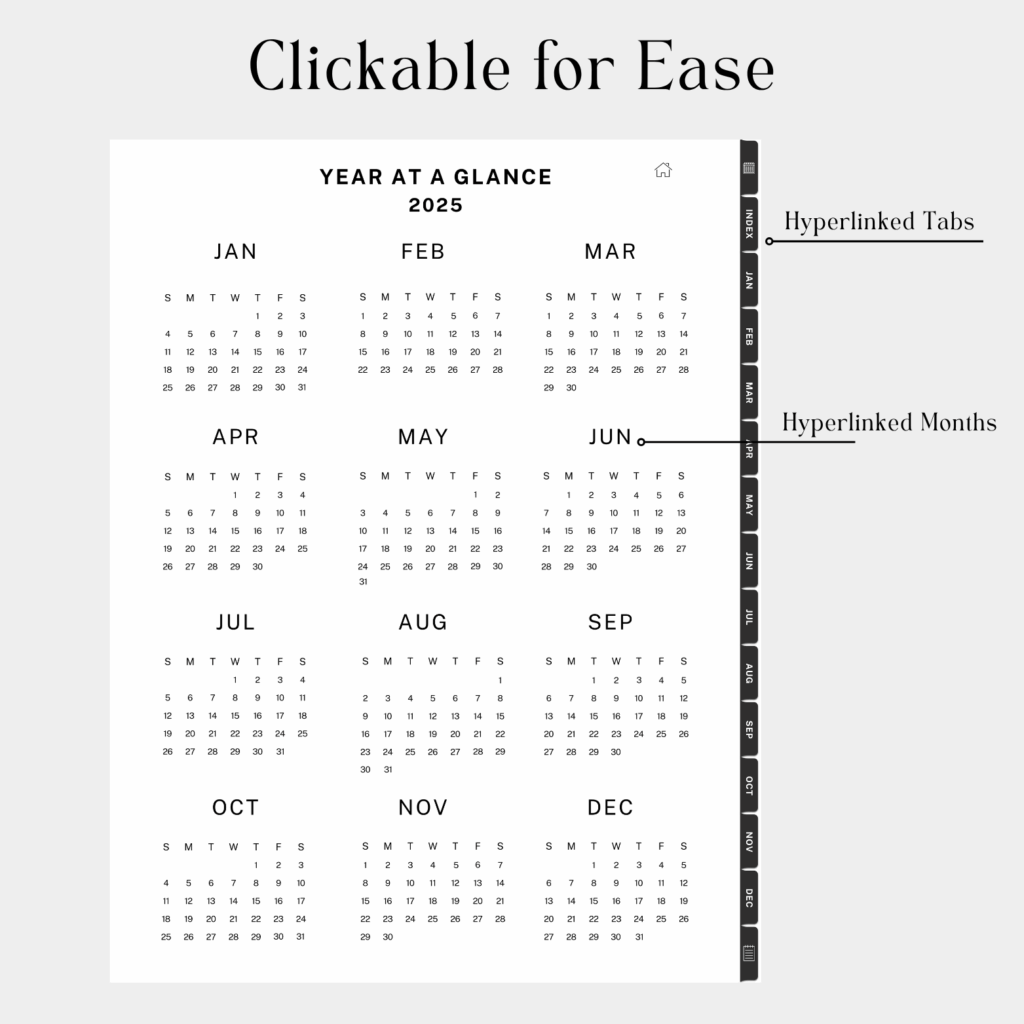
When you use a digital planner like mine, you get clickable tabs, a built-in index, and dedicated spaces for vision boards, monthly goals, notes, and anything else you want to keep track of. It feels clean, intuitive, and honestly way more fun than I expected.
It completely changed the way I plan, and I think it’ll do the same for you.
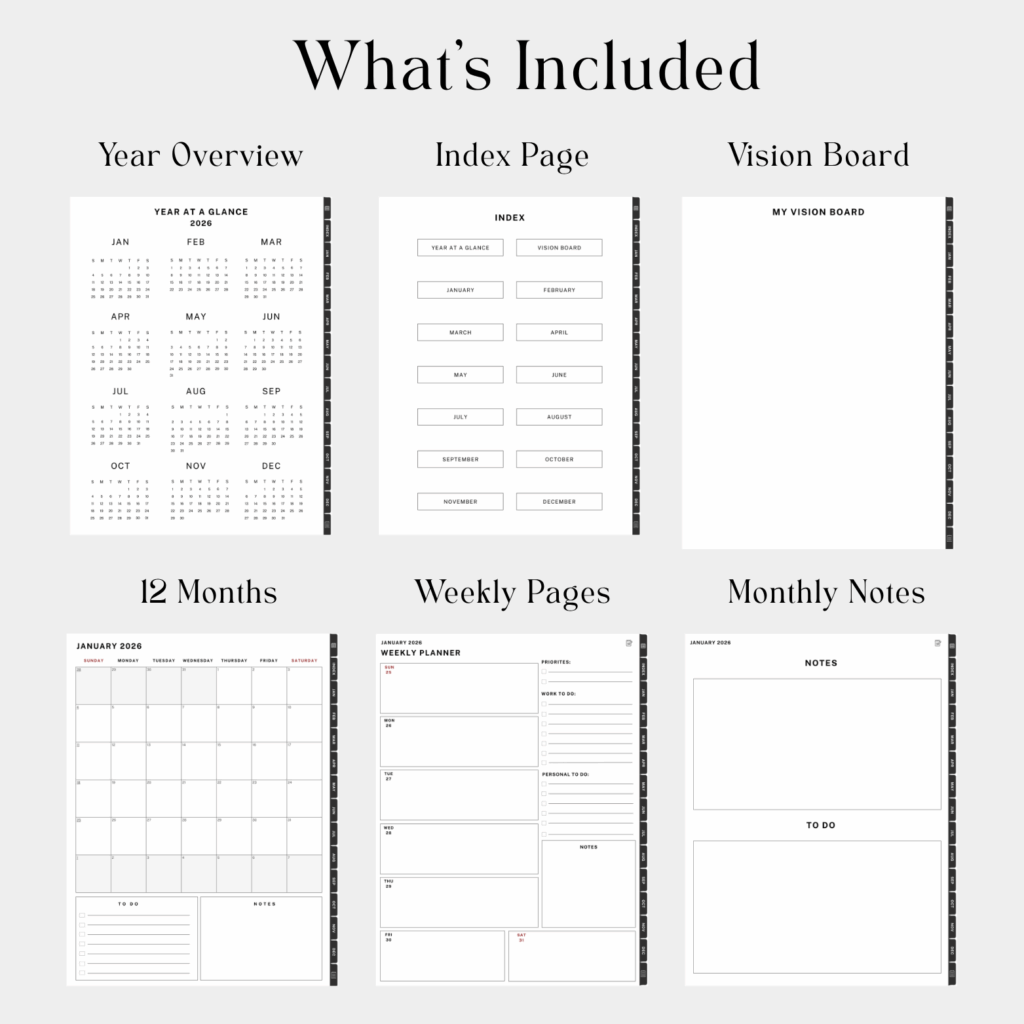
What’s Inside the Free 2026 Monthly Planner
The freebie version of my planner is designed to keep things clean and simple. Here’s a peek at what you’ll find inside:
- Year at a Glance – Get a quick snapshot of 2026 so you can see the big picture all in one place.
- Vision Board – A special page to outline your goals, dreams, and intentions for the year ahead.
- Monthly Calendars (Jan–Dec) – Spacious layouts to keep track of appointments, classes, deadlines, or even meal planning.
- Weekly Pages – Each month includes weekly pages to track your weeks and days.
- Notes & To-Do Lists – Extra room for brain dumps, shopping lists, reminders, or anything else you need to jot down.
It’s simple enough to get started right away, but it’s also set up in a way that can grow with you.
How to Set Up Your Free Planner (Step by Step)
Step 1: Download Your Free Copy
At the bottom of this post, you’ll find the download link for the free 2026 Monthly Planner. Just tap it, save the PDF to your device, and you’re ready for the next step.
Step 2: Choose a Note-Taking App
Digital planners are meant to be interactive, so you’ll need an app that supports PDF annotation. A few popular ones include:
- GoodNotes (my favorite for iPad users)
- Notability
- Noteshelf
- Xodo (great free option on Android)
Once you’ve picked your app, import the planner PDF into it.
Step 3: Start with Your Vision Board
Head over to the My Vision Board section and start filling it with anything that inspires you, photos, little quotes you love, goals you’re manifesting, or even cute hand-drawn doodles.
This is the part that really sets the vibe for your year.
Every time you open your planner, you’ll have a visual reminder of what you want for yourself and the energy you’re stepping into.
It’s such a simple step, but it really does make everything feel more intentional.
Step 4: Add Your Monthly Goals
Each month has its own goal-setting space where you can write up to six goals, break them into small action steps, and check them off as you go.
I always suggest starting small here.
Pick one or two main goals for the month so it feels doable instead of stressful.
When you focus on just a few things at a time, it’s so much easier to stay consistent and actually see progress.
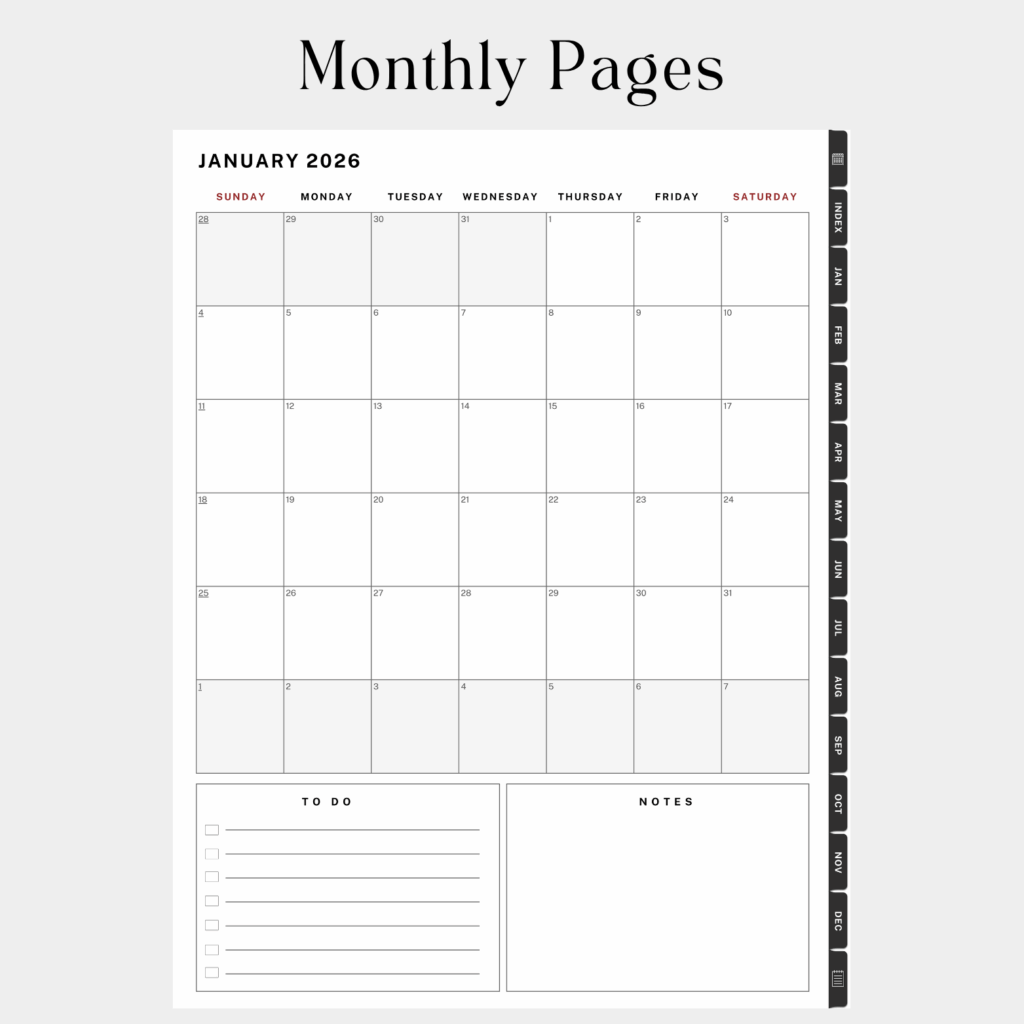
Step 5: Fill in Your Monthly Calendar
Now flip to your monthly spread and start adding the big things, events, birthdays, appointments, deadlines, anything you already know is coming up.
This is also where I love to color code.
Pink for personal, green for work, blue for family… or whatever colors make sense for you.
It makes your entire month so easy to scan at a glance and adds a cute little touch of personality to your planner.
Step 6: Use the Notes + To-Do Pages
Use your notes pages to journal, brainstorm ideas, or jot down quick reminders that pop into your head throughout the day.
I love having a space that’s completely unstructured because it lets you be creative or messy or organized , whatever you need in the moment.
It becomes a little catch-all for thoughts you don’t want to forget.
And the to-do lists are perfect for your daily tasks.
You can map out everything you want to get done, check things off as you go, and actually see your progress in real time.
It’s such a simple feature, but it makes staying on track feel so much easier and way more satisfying.
How I Personally Use My Digital Planner
Here’s a little peek into my routine:
- Sunday evenings – I open up the monthly spread and map out the week ahead, adding appointments and deadlines.
- Monday mornings – I review my top three goals for the week and jot them in the notes section so they’re front of mind.
- Daily – I use the to do list page for everything from grocery runs to work projects. Checking off those boxes feels so good.
I’ve noticed that when I take just 10 minutes each day to use the planner, I’m calmer, more focused, and way less likely to forget something important.
Tips for Getting the Most Out of It
- Color-Code Everything: Assign colors to categories like work, school, and personal life.
- Use Digital Stickers: You can import cute icons or stickers into your app to decorate your pages.
- Set Planner Reminders: Some apps let you set alarms linked to notes, super handy for deadlines.
- Keep It Consistent: Open your planner at the same time every day, so it becomes part of your routine.
The beauty of digital planning is that it’s flexible. You can customize as much or as little as you want.
Planning doesn’t have to feel overwhelming. With the right tools, you can actually enjoy it. My 2026 Digital Planner Freebie is here to help you start fresh, get organized, and finally stay on track with your goals.
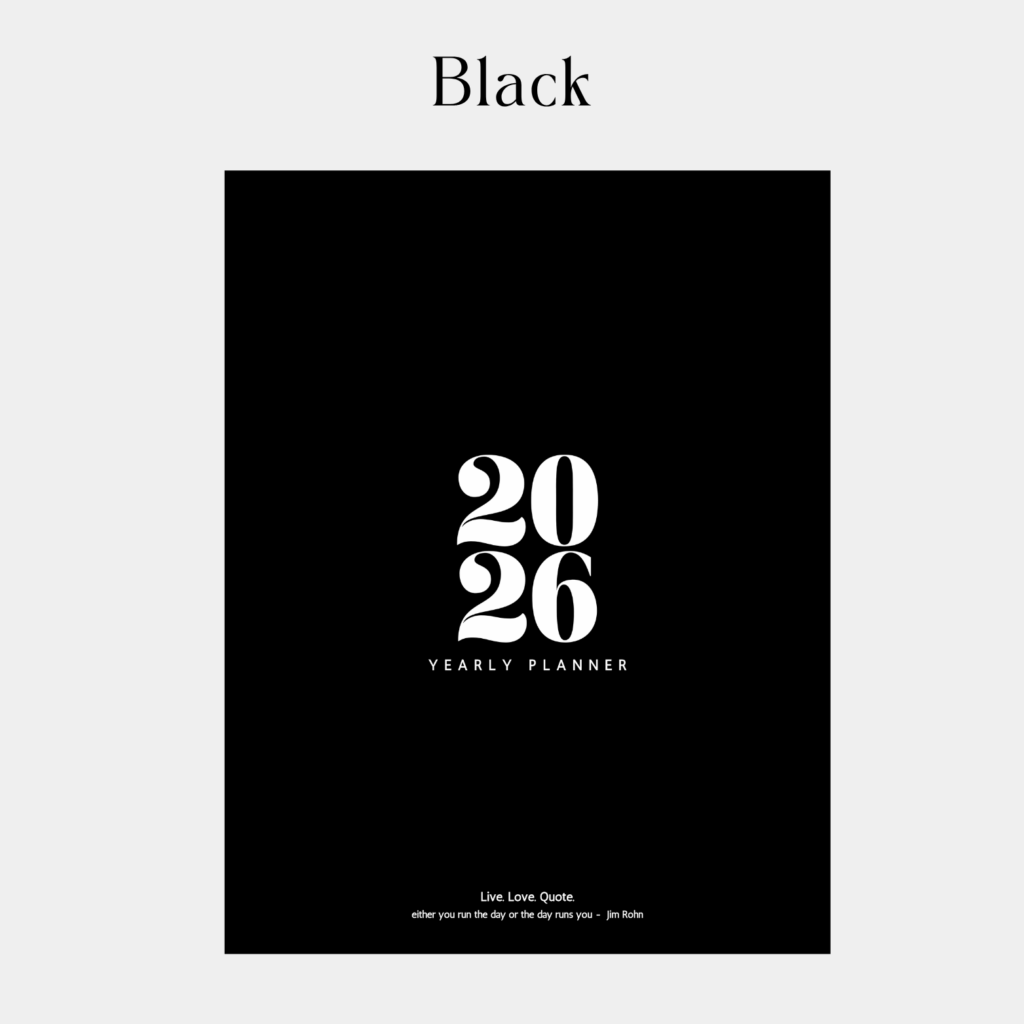
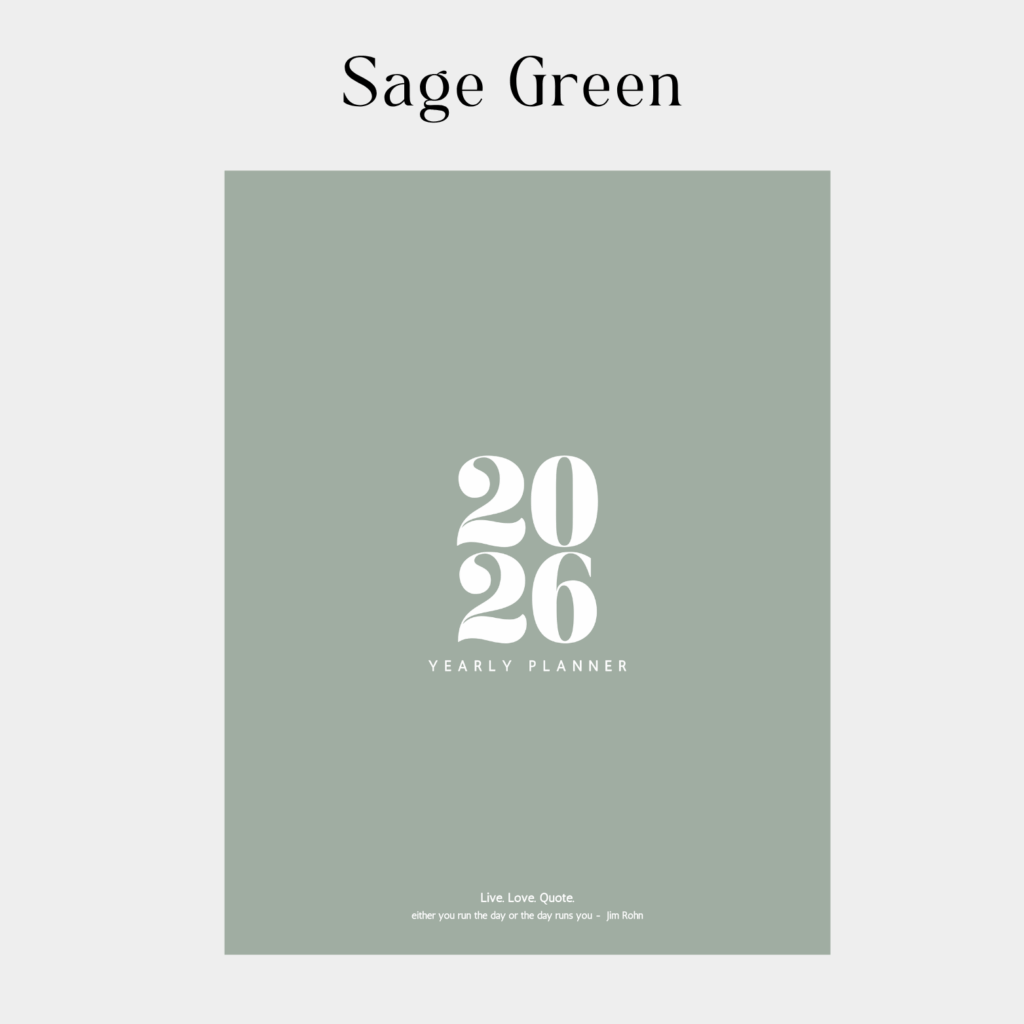
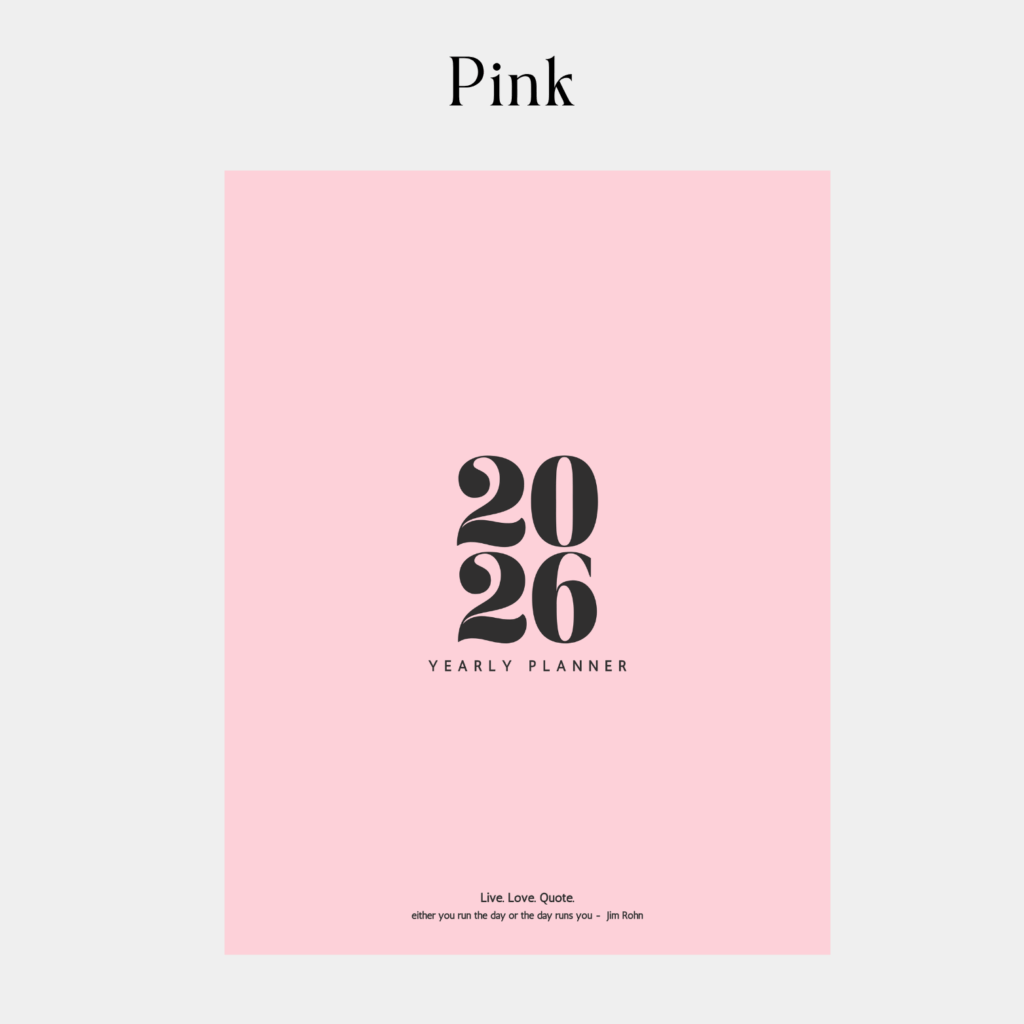
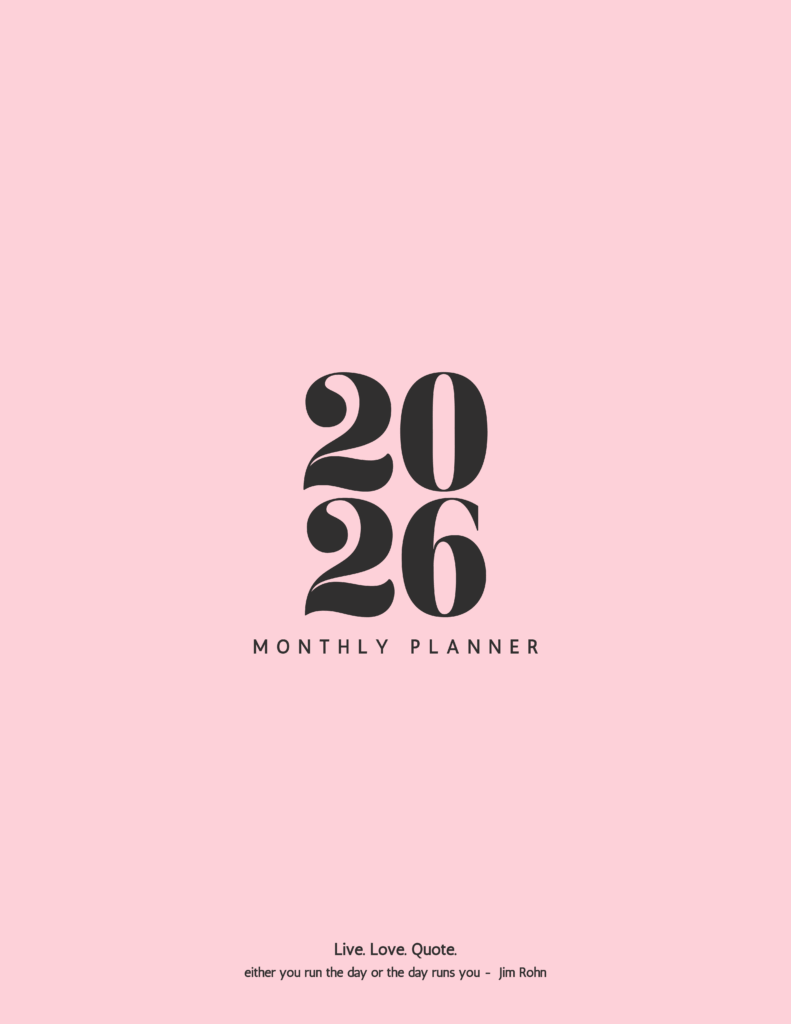
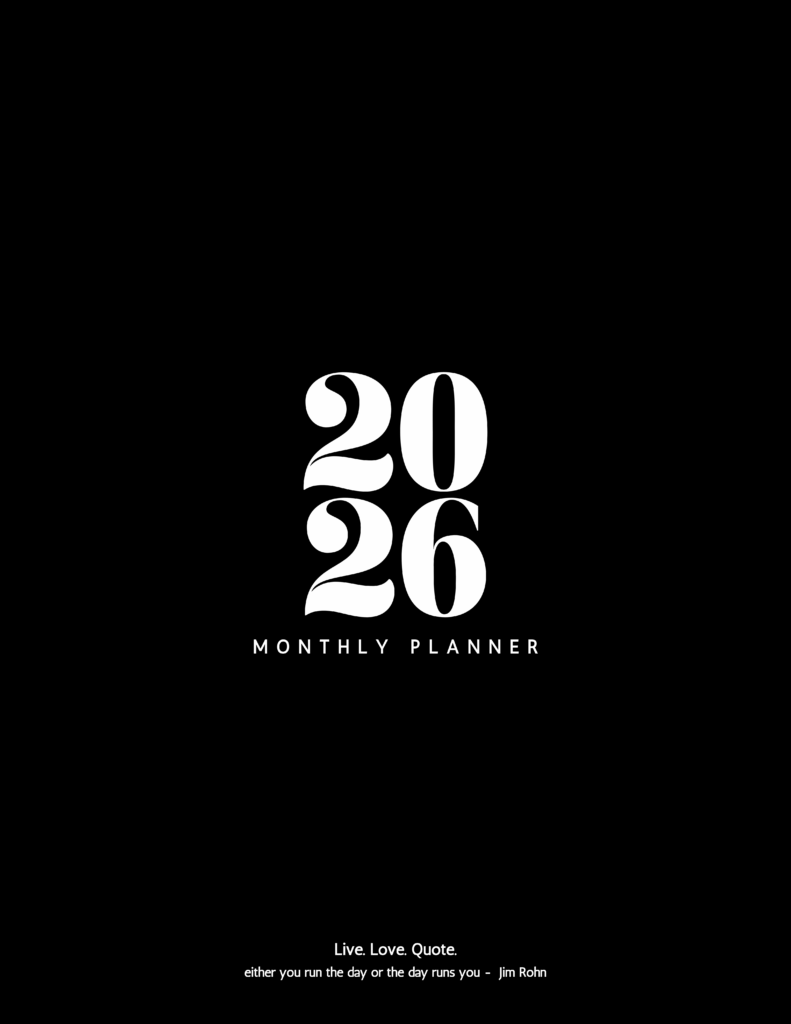
Here are the vertical planners. Also, check out the horizontal planner and my free digital journal below.
3 Colors to Choose From
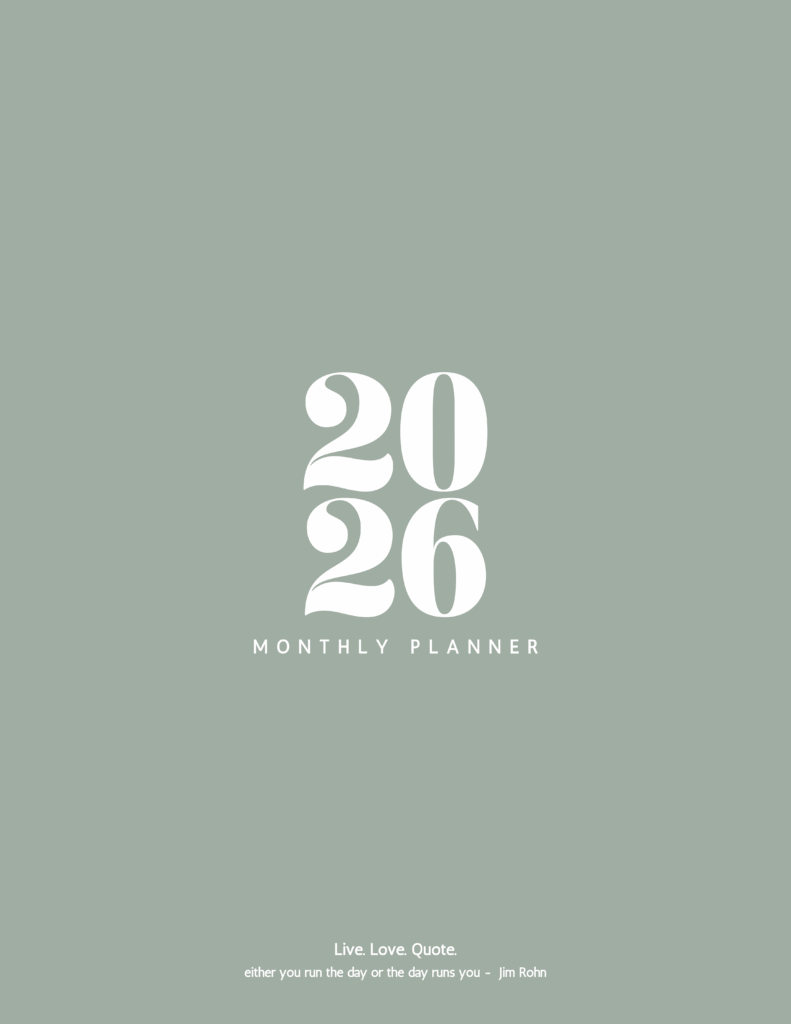
I also have a horizontal planner available below:
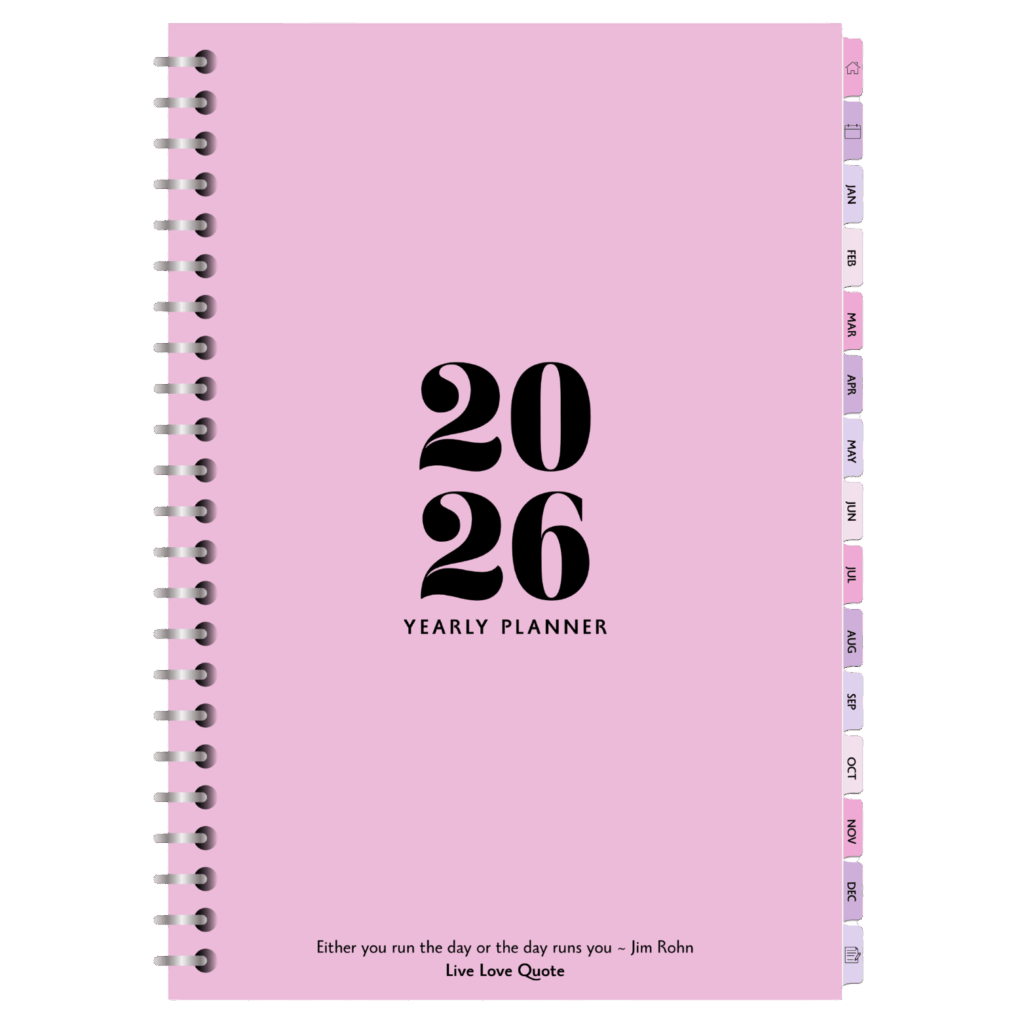
This version includes:
- Monthly Goals
- Habit trackers to help you stay consistent.
- Finance and self-care pages so you can balance productivity with wellness.
- Clickable tabs that make navigating super easy.
- More Freebies
Happy Planning!
Interested in a Digital Journal?